


Shopping Cart (0)
Close

In today’s fast-paced digital world, Microsoft Office remains one of the most essential tools for productivity. Whether you’re working on documents, spreadsheets, or presentations, Office 2024 offers robust features designed to streamline your workflow. However, even the best software isn’t immune to hiccups, and activation problems can disrupt your workday. This article will guide you through five practical solutions to address common Office 2024 activation problems. By the end, you’ll know exactly how to resolve these challenges and get back to focusing on what matters most—your work

today’s digital age, productivity tools like Microsoft Office are essential for businesses and individuals alike. While Microsoft offers legitimate activation methods for its software, many users turn to free activators claiming to bypass official licensing requirements. However, these seemingly harmless tools can pose significant risks to your data security and system integrity. This article delves into the dangers associated with using free Office 2024 activators, providing actionable insights to help you protect your personal and professional information. By the end, you’ll understand why opting for legitimate solutions is crucial for safeguarding your digital assets.
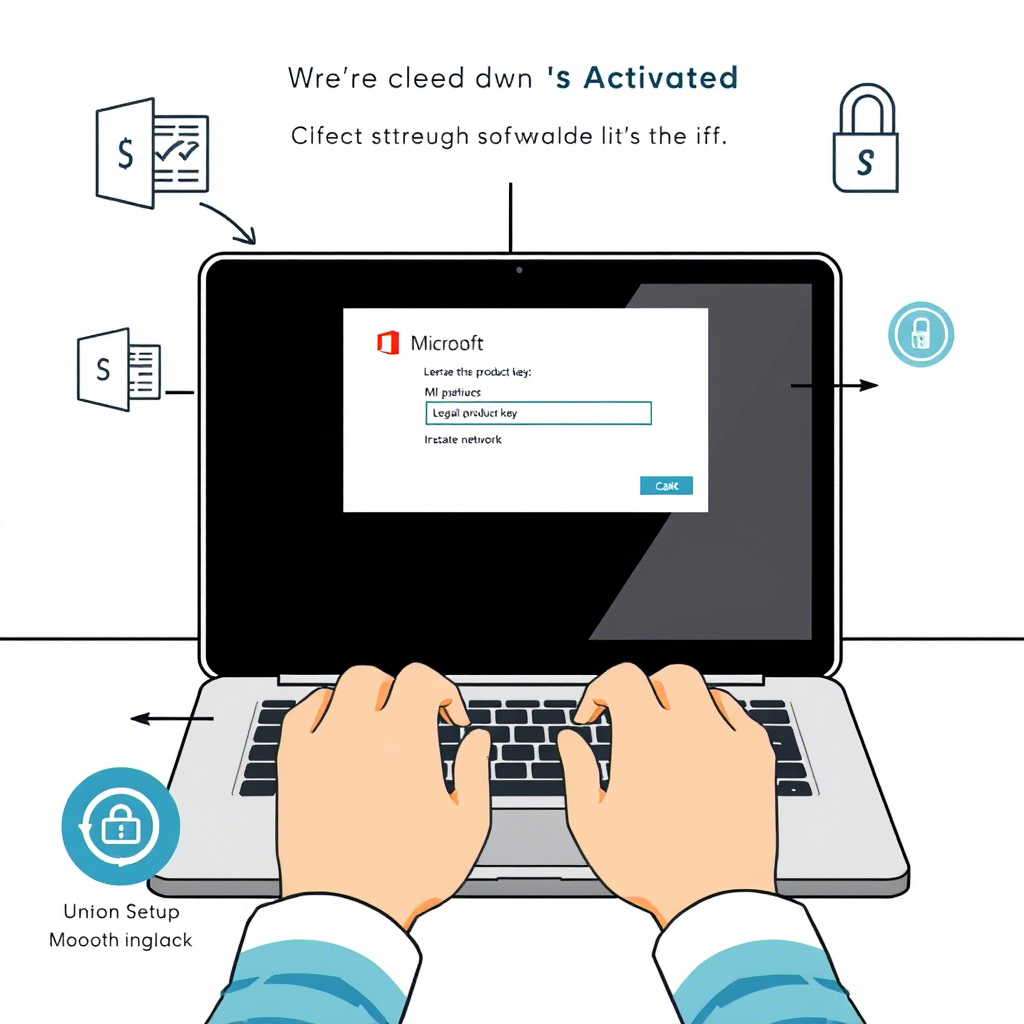
Struggling to activate Microsoft Office 2024? You’re not alone. Many users face hurdles like expired trials, incorrect product keys, or security warnings that disrupt their workflow. Activating Office legally isn’t just about avoiding fines—it ensures access to critical updates, robust security features, and uninterrupted productivity.

